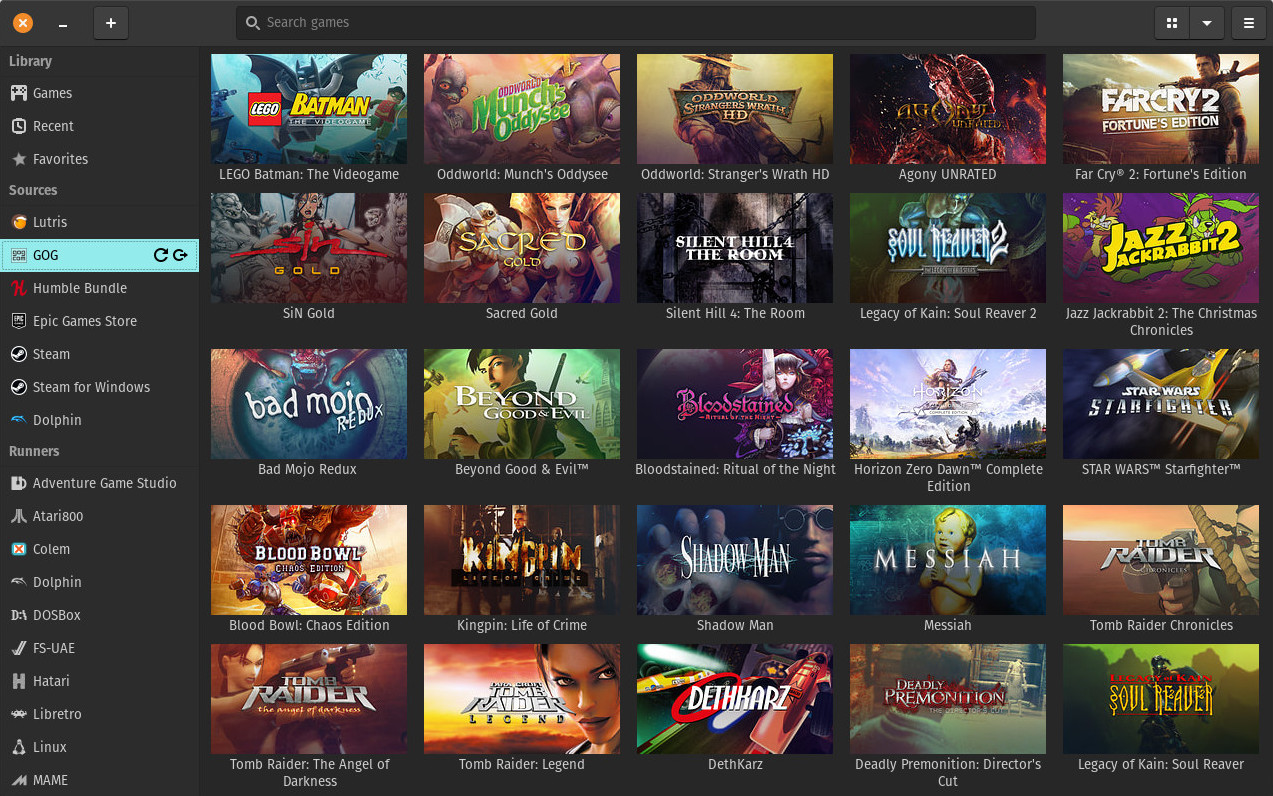
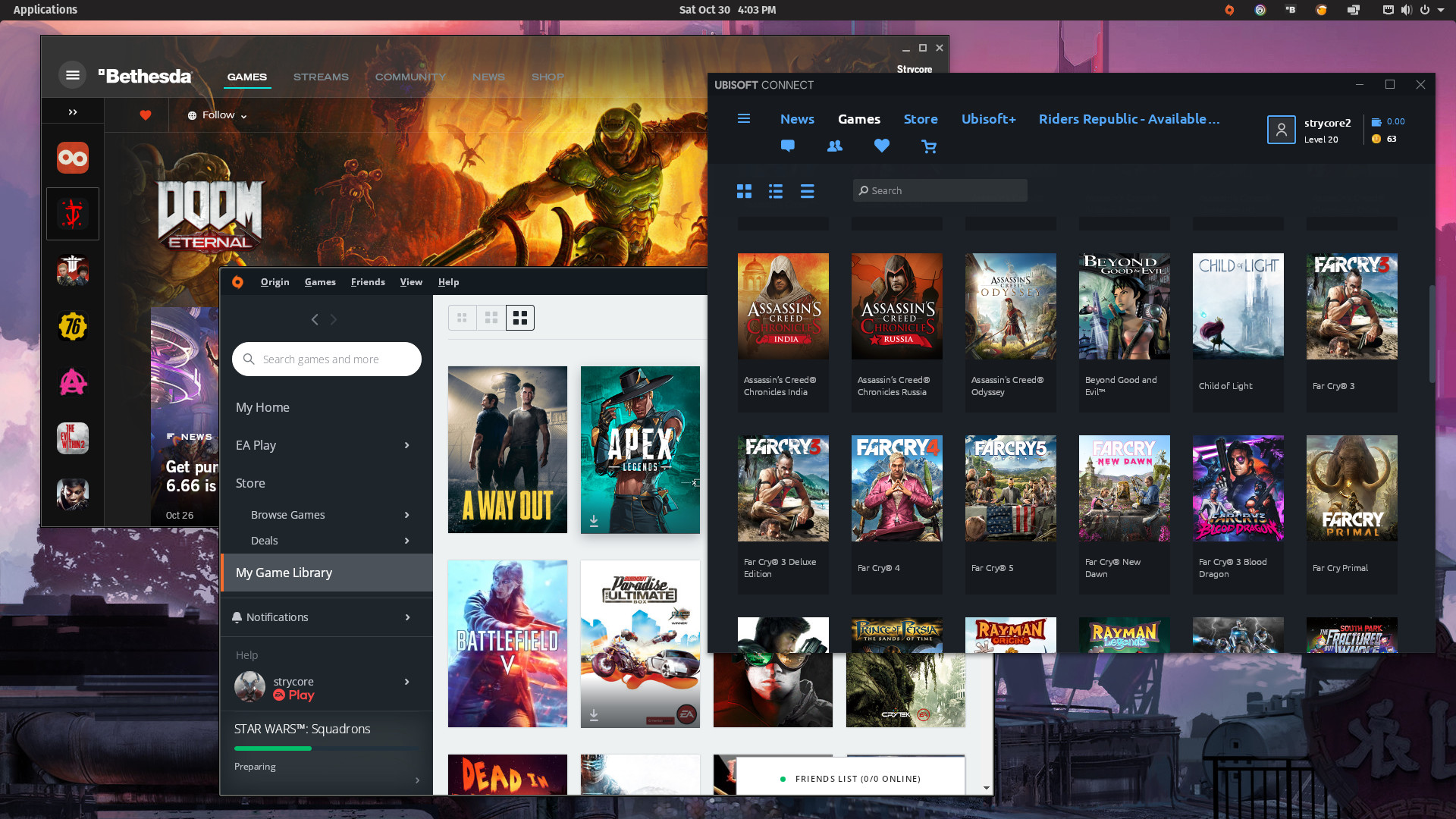
Lutris is an open source gaming platform for GNU/Linux. It allows you to gather and manage (install, configure and launch) all your games acquired from any source, in a single interface.
About Lutris
Features
- Manage your Linux games, Windows games, emulated console games and browser games
- Launch your Steam games
- Community-written installers to ease up your games' installation
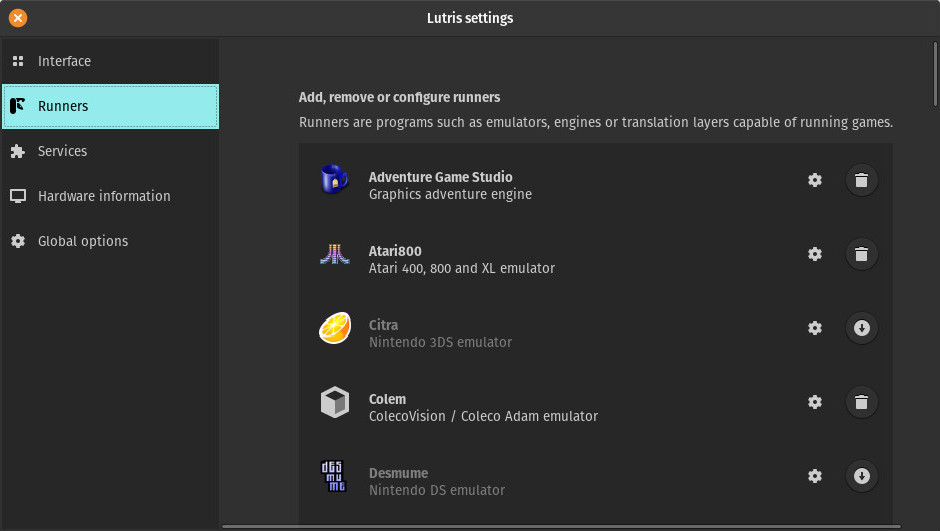
- More than 20 emulators installed automatically or in a single click, providing support for most gaming systems from the late 70's to the present day
- Download and play libre and freeware games
There's a lot more to come, here are some of the planned features that you can expect in future versions:
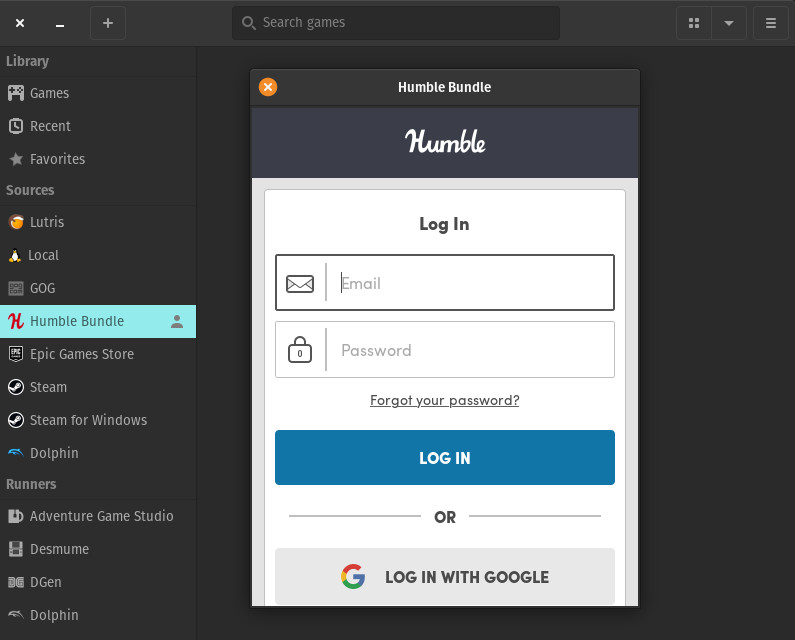
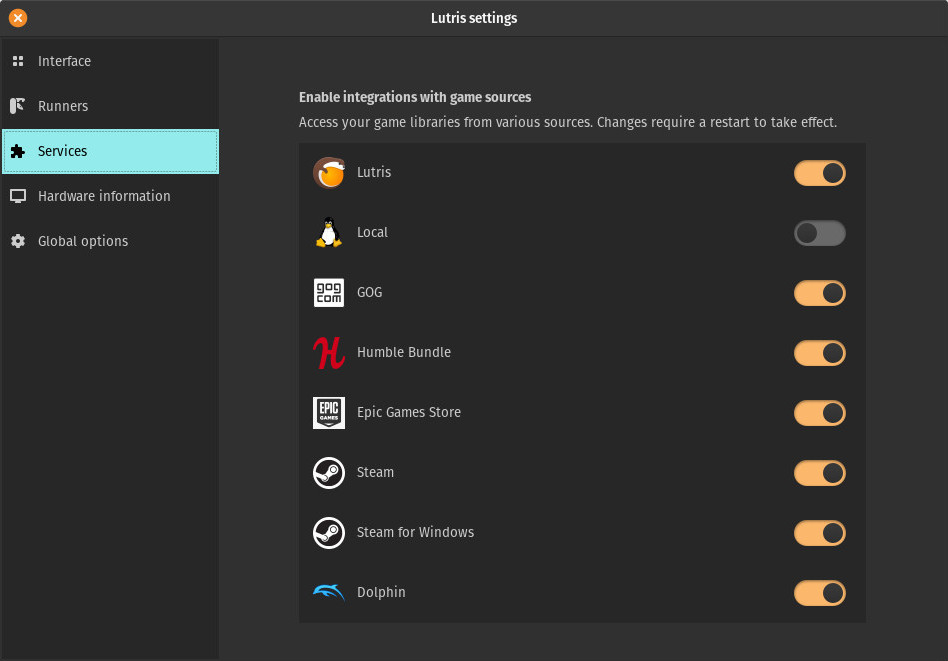
- Humble Bundle and GOG support
- Mass import of emulator ROMs using the TOSEC database
- Game saves management
- Archive your installation files on external or network drives for a fully automatic installation procedure
- Joystick configuration GUI with keyboard mapping features
- Community features: friends list, chat and multiplayer event planning
Using Lutris
Like Steam, Lutris has two parts: a website and a client application, which communicate. On the website, you can browse the supported games, add them to your personal library and start their installation by clicking on the Install link for the version of the game you possess (if someone bothered to make an installer for it ;). Granted that you have installed the client software, it will open the game installation window, leading you through the steps to finalize the game's setup. Once it's done, you will be able to launch the game directly or close the installation window and the game will be present in your local library the next time you start Lutris.
But first you will surely want to use our automated import tool to add your existing game libraries. For now we only have import for Steam but in the future Lutris should be able to import your GOG library, your installed ScummVM games, your game roms and maybe scan your system for other installed games. Oh and PlayOnLinux import, we should have it at some point too.
To import your Steam library, go to your Lutris
profile and click the "Sign in through Steam" button. You will then be
redirected to Steam and will be asked to login. This steps associates
your Steam accout with your Lutris account. This procedure does not
grant Lutris any rights on your Steam account, the only info we get
from this is your Steam account identifier. Your Steam account has to
be public in order for the library sync to work, if you like it
private, you can make it public before the import and switch it back
when completed.
You can then start Lutris, connect it to your web account from the menu
Lutris → Connect, and all your Steam games will be added. Your
games installed in Steam will also show up as installed in Lutris
(Linux Steam only). Please note that not all of your Steam games
will be playable out of the box: a lot of Windows games don't have
installers yet and some of them won't even start with Wine.
You also have the ability to manually add games to the client, from the Game → Add menu or from the toolbar button. The Add Game window will let you enter the game's name, pick the runner [1] (more runners can be installed from the runners management window, available from the Lutris menu → Manage runners), browse for the main executable/rom and enter other necessary details before saving.
[1] Runners are the various pieces of software (Wine, emulators, Steam for Linux and Windows...) that we use to launch games. By extension, Linux is also a runner.
Compatibility
Lutris should work on any modern Linux platform, the client tries to minimize its dependencies and avoid relying on the system package manager whenever it can. This allows to keep a predictable behavior between different flavors of Linux.
Lutris is currently officially supported on current versions of Debian Testing, Ubuntu LTS, Fedora, Gentoo, Arch Linux, Mageia and OpenSuse. Maintainers for all other distributions are more than welcome.
Supported gaming platforms
- Native Linux
- Windows
- Steam (Linux and Windows)
- MS-DOS
- Arcade machines
- Amiga computers
- Atari 8 and 16bit computers and consoles
- Browsers (Flash or HTML5 games)
- Commmodore 8 bit computers
- SCUMM based games and other point and click adventure games
- Magnavox Odyssey², Videopac+
- Mattel Intellivision
- NEC PC-Engine Turbographx 16, Supergraphx, PC-FX
- Nintendo NES, SNES, Game Boy, Game Boy Advance, DS
- Game Cube and Wii
- Sega Master Sytem, Game Gear, Genesis, Dreamcast
- SNK Neo Geo, Neo Geo Pocket
- Sony PlayStation
- Sony PlayStation 2
- Sony PSP
- Z-Machine games like Zork
We have planned support for the following systems:
- MSX computers
- Sega Saturn
Reporting issues
You can post your issue
on Github.
If you don't have a Github account, you can also reach us on
Google+,
Discord or on IRC:
#lutris on freenode.org
We are grateful for any contribution helping make Lutris better!
Contributing to the project
There are many ways to contribute to Lutris. The simplest way is to
submit games to the website's database (you'll see the "Submit a new
game" button on the games list) and writing
installers (look for the small link below the existing installers on
each game's page).
If you have some Python and PyGObject knowledge, you can grab the
source from git with:
git clone https://github.com/lutris/lutris
If you know your way around Django, you can also help with the website: github.com/lutris/website.
If you want to get your hands real dirty and get into some C/C++ code, we also maintain the emulators shipped with Lutris, you can help by sending patches for better fullscreen or controller support or anything you can think of that would make these emulators better. You can get most of them at github.com/lutris.
To discuss development you can subscribe to our
mailing list
and join us on IRC:
#lutris on freenode.org
You can find some development information on the wiki and get a grasp of some of the features worked on and to come on our Trello board.
About the team
The core team is currently:
- Mathieu Comandon, project founder and leader (aka Strider, or Strycore where Strider is not available)
- Xodetaetl, France, joined somewhere between 2010 and 2013. Does a bit of everything.
Special thanks to all the contributors who have helped with the development of Lutris, including but not limited to: Ryochan7, Freso, Frenchkiss, Dennisjj, Medfreeman.